
- Non ci sono più articoli nel tuo carrello
- Spedizione
- Totale 0,00 €
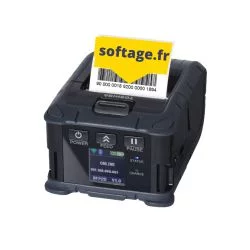 Stampante per etichette mobile
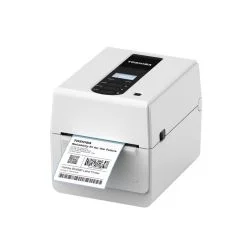 Stampante per etichette da ufficio
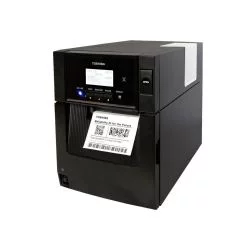 Stampante semi-industriale
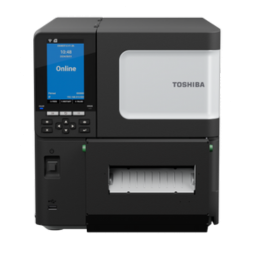 Stampante per etichette industriale
 Etichettatrici automatiche
 Stampante per etichette a colori
 Accessorio per stampante di etichette
 Manutenzione stampante Toshiba
 Testine di stampa Toshiba
 Esploso stampante Toshiba
- Stampanti per etichette
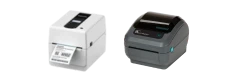
- Stampante per etichette da ufficio Toshiba Tec
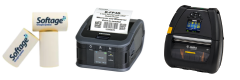
- Stampante portatile per etichette Toshiba Tec
- Stampante di etichette a colori
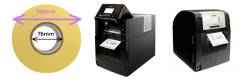
- Stampante per etichette semi-industriale Toshiba Tec
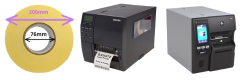
- Stampanti industriali per etichette Toshiba Tec
- Etichettatrici a posa automatica
- Accessori per stampanti di etichette
- Opzioni stampante codice a barre Toshiba
- Testina termica stampante Toshiba
- Ricambi per stampanti Toshiba
- Vista esplosa stampante Toshiba Tec | Pezzi di ricambio
- Garanzia stampante codice a barre
- Vecchi modelli stampanti per etichette
- Terminali per codici a barre
- Soluzioni codice a barre
- Consumabili per stampanti di codici a barre
- Nastri per stampante termica
- Nastro per stampante di etichette Toshiba
- Nastri Toshiba B-FV4T per stampante di etichette
- Nastri Toshiba BV410T e BV420T
- Nastri Toshiba B-EV4T per stampante di etichette
- Nastri Toshiba B-452 per stampante di etichette
- Nastri Toshiba B-SA4 TP e TM
- Nastri Toshiba BA410 e BA420
- Nastri Toshiba B-852
- Nastri Toshiba B-EX4 T2
- Nastri Toshiba B-EX6 T3
- Nastri Toshiba B-EX4T1
- Nastri Toshiba B-EX6T1
- Nastri Toshiba BX410T
- Nastri Toshiba BX420T
- Nastri Toshiba BX430T
- Nastri a trasferimento termico Zebra
- Nastro per stampante Sato
- Nastro per stampante TSC
- Nastro per stampante CAB
- Nastro per stampante Intermec
- Nastro per stampante DataMax Honeywell
- Nastro per stampante Avery-Novexx
- Nastri a trasferimento termico per stampanti
- Nastro per stampante di etichette Toshiba
- Etichette per stampante termica
- Nastri per stampante termica
- Liquidazione stampanti e consumabili
Dans cette rubrique vous trouverez, toutes les informations sur les solutions logiciels et matériels qui utiliser des codes barres ou RFID
-
Paramètrage du WebService Colissimo Relais avec EasyLogistic pour Sage 100c
Pubblicato: 04/07/2022 | Categoria : Solutions logiciel et matériel code barresComment paramétrer le WebService Colissimo Relais avec EasyLogistic pour Sage 100c ?
-
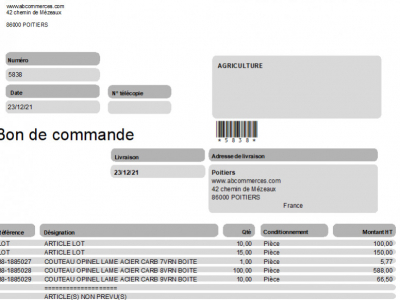
Comment ajouter un code barre sur un document de mise en page Sage 100c
Pubblicato: 08/01/2022 | Categoria : Solutions logiciel et matériel code barresPour ajouter un code-barres alphanumérique sur un document d'impression Sage 100, il faut ajouter un champ calculé avec une police C39. (attention le code-barre EAN13 n'accepte pas l’alphanumérique).
-
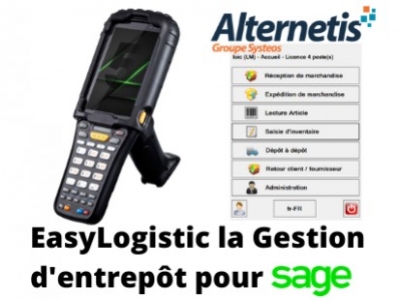
Sage 100c Gestion commerciale : Faire un inventaire avec lecteur code barres
Pubblicato: 15/03/2020 | Categoria : Solutions logiciel et matériel code barresUtilisateur Sage Gestion commerciale Sage : Comment faire un inventaire avec un terminal code barre
-
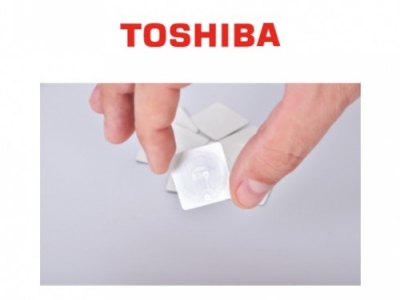
Comment fonctionne l'imprimante RFID Toshiba
Pubblicato: 15/03/2020 | Categoria : Solutions logiciel et matériel code barresComment les puces RFID sont-elles enregistrées avec une imprimante ?